
Why Your iPhone Battery Dies Faster Now (And What You Can Actually Do About It)
One moment you’re at 80%. Next thing you know, your iPhone’s begging for a charger before lunch. Feels familiar, right? But before you blame it all on Apple, it helps to zoom out. Batteries age, sure, but user habits play a big role too. Some of the things you do every day might be speeding up the drain without you realizing it. Let’s break down what’s really killing your battery, and what might actually help.
Your Phone Is Running Too Much in the Background
Ever peeked at your battery settings and been shocked by how much Instagram or Maps has been doing behind the scenes? That’s your phone multitasking, all the time. Background activity from social apps, GPS tracking, or email syncing can silently drain your battery even while the phone sits idle. So, turn off background refresh for apps you don’t use often.
That Bright Screen? It’s Burning Through Power
If your screen looks like it’s ready to light a runway, it’s probably draining your battery faster than anything else. Auto-brightness exists for a reason. Use it. Or better yet, manually set your brightness low and only bump it up when absolutely necessary. If you’re using a newer iPhone with an OLED screen, dark mode can help.
Every Update Brings New Features and New Strain
It’s ironic. Software updates are supposed to make your phone run better. And they do until your older battery can’t keep up. Each update introduces smarter features, sleeker visuals, and tighter integration. But they often require more processing in the background. Like, for example, more AI, more sensors, more activity, they all drain your iPhone like crazy. If your phone is two or three years old, even basic functions can start feeling like a workout. That’s not sabotage. It’s aging hardware trying to keep up with a younger brain.
You’re Charging Wrong, and It’s Catching Up to You
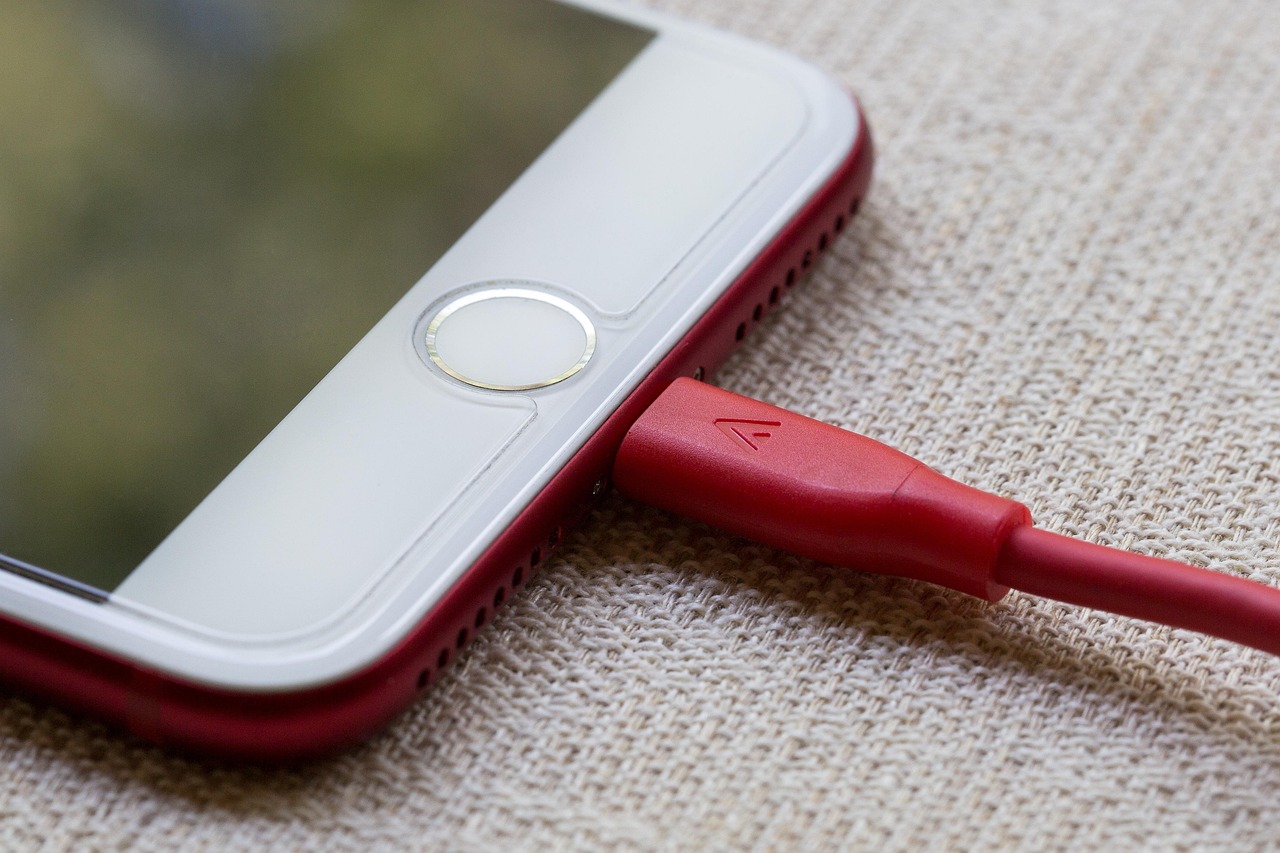
Here’s the uncomfortable truth: most people charge their phone like they’re filling up a gas tank. Plug it in overnight. Top it off constantly. Let it hit zero before charging. All of those habits chip away at battery health over time. The lithium-ion cells inside your iPhone don’t love extremes. Experts suggest keeping your charge between 30% and 80% most of the time. And yes, Apple’s “Optimized Battery Charging” is worth leaving on, even if it feels like it’s slowing you down.
Your Battery Might Actually Be Telling the Truth
Before you panic, check your battery health in Settings. iPhones let you see your maximum capacity compared to when the battery was new. If it’s under 80%, that’s usually when performance dips become noticeable. You might also get a message about performance management being applied. Translation?
Your phone is slowing itself down to stop random shutdowns. That’s your cue: time for a battery replacement. It’s cheaper than buying a whole new phone, and your apps will stop acting like they’re running through mud. Batteries wear out. That part’s unavoidable. But draining it faster than necessary? That part’s usually fixable.



Leave a Reply